How to import a custom SCO model and set the fabric display area?
Question: How to import a custom SCO model and set the fabric display area?
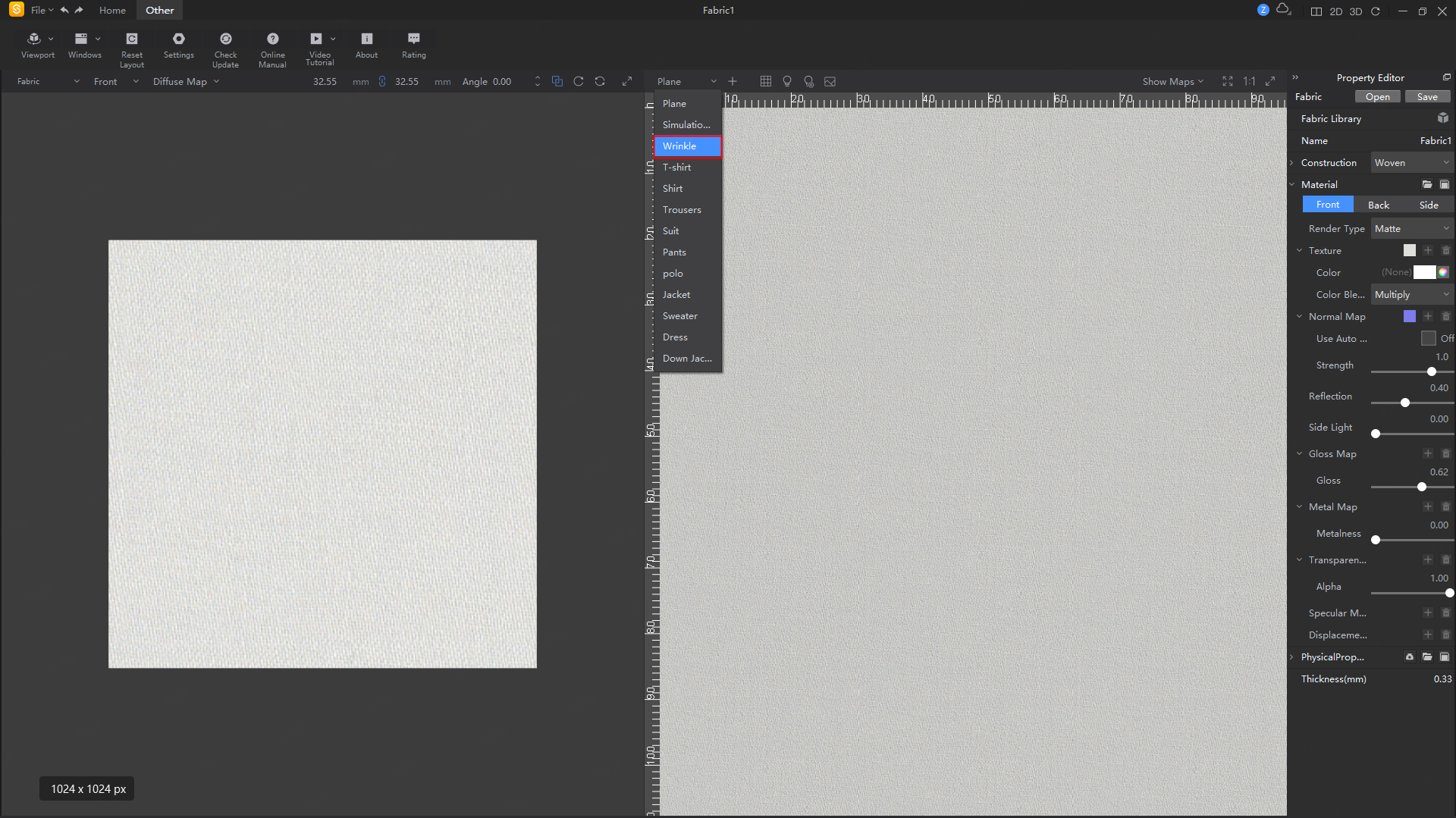
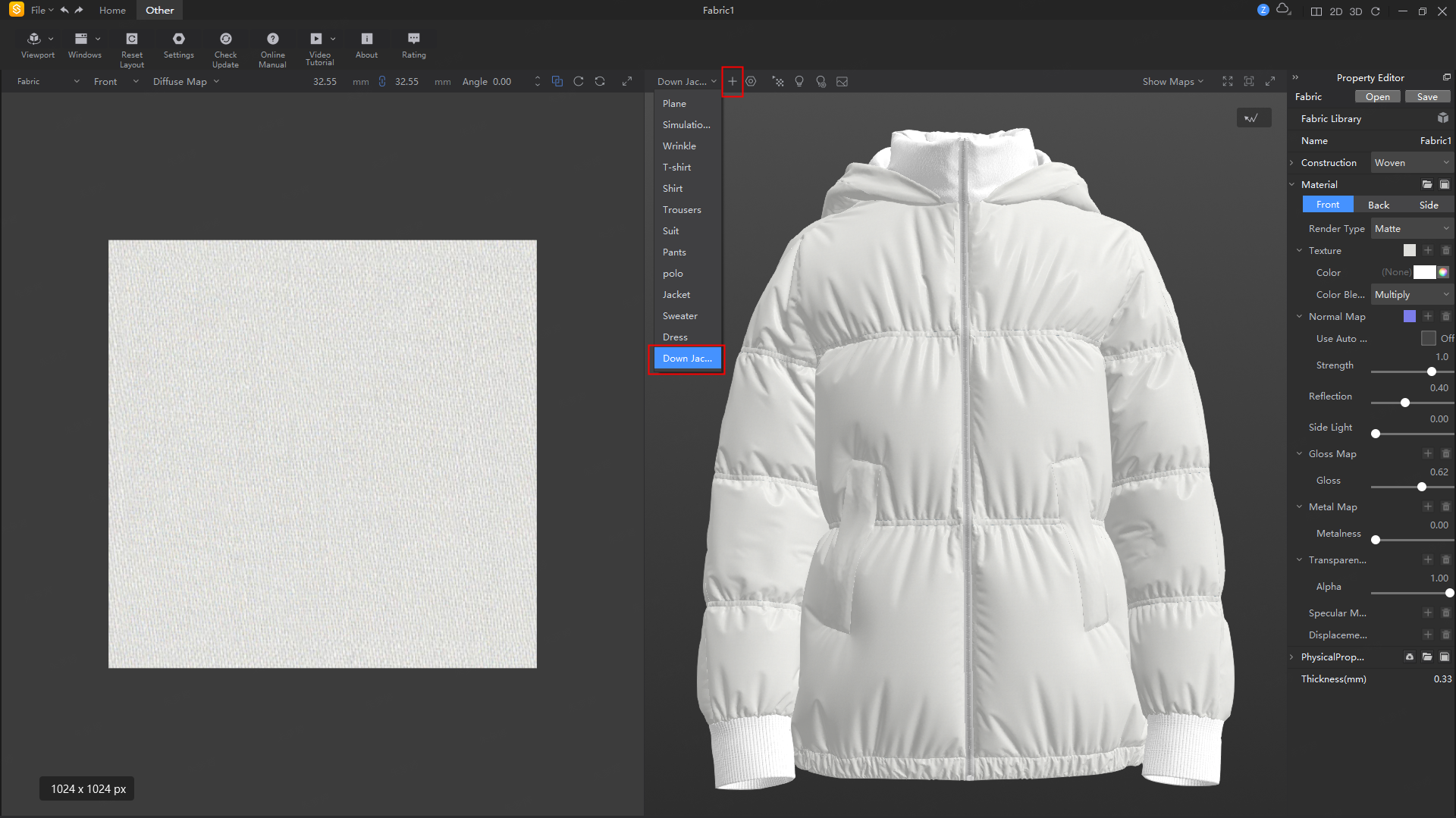
Answer: The Fabric software defaults to displaying a flat effect along with 12 model types. If you want to import a custom model, click the '+' at the top of the 3D window and select the desired SCO format model file. After adding, it will appear in the model list below.
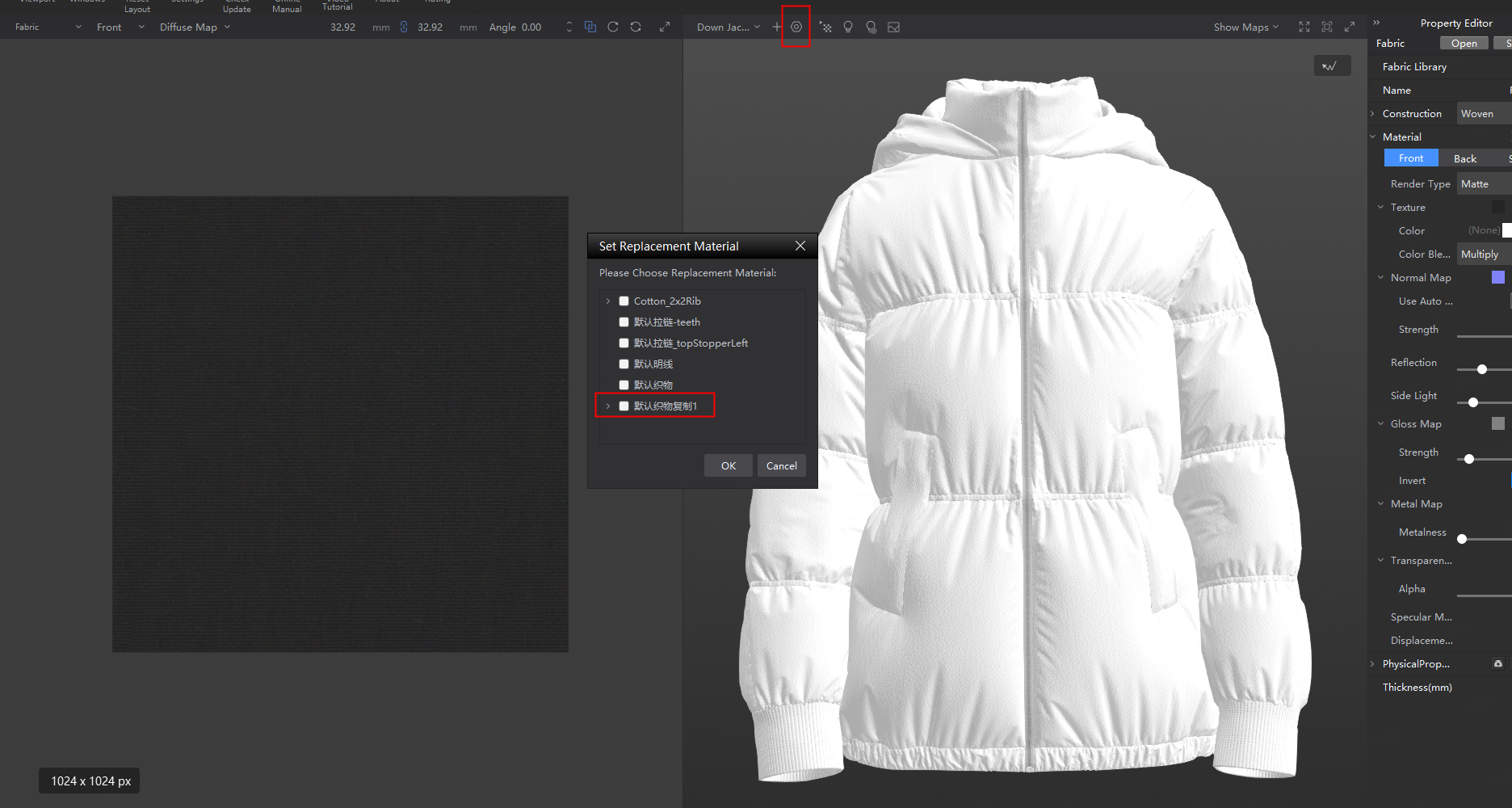
To set the fabric display area, you can click the settings button to make adjustments