
How to change the password?
Question: How to change the password?
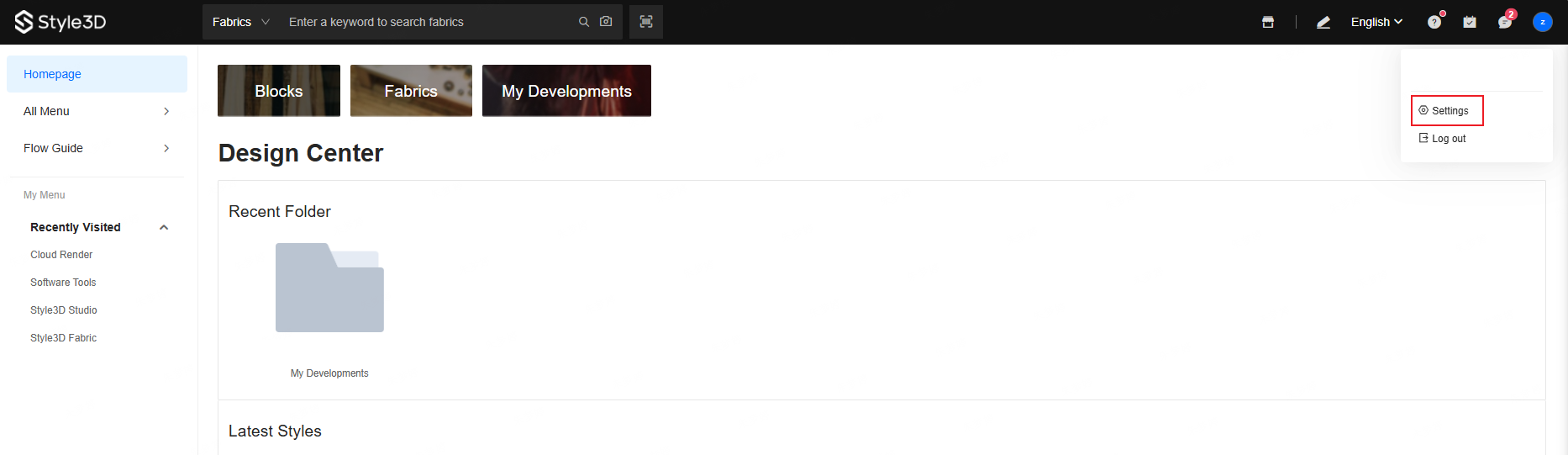
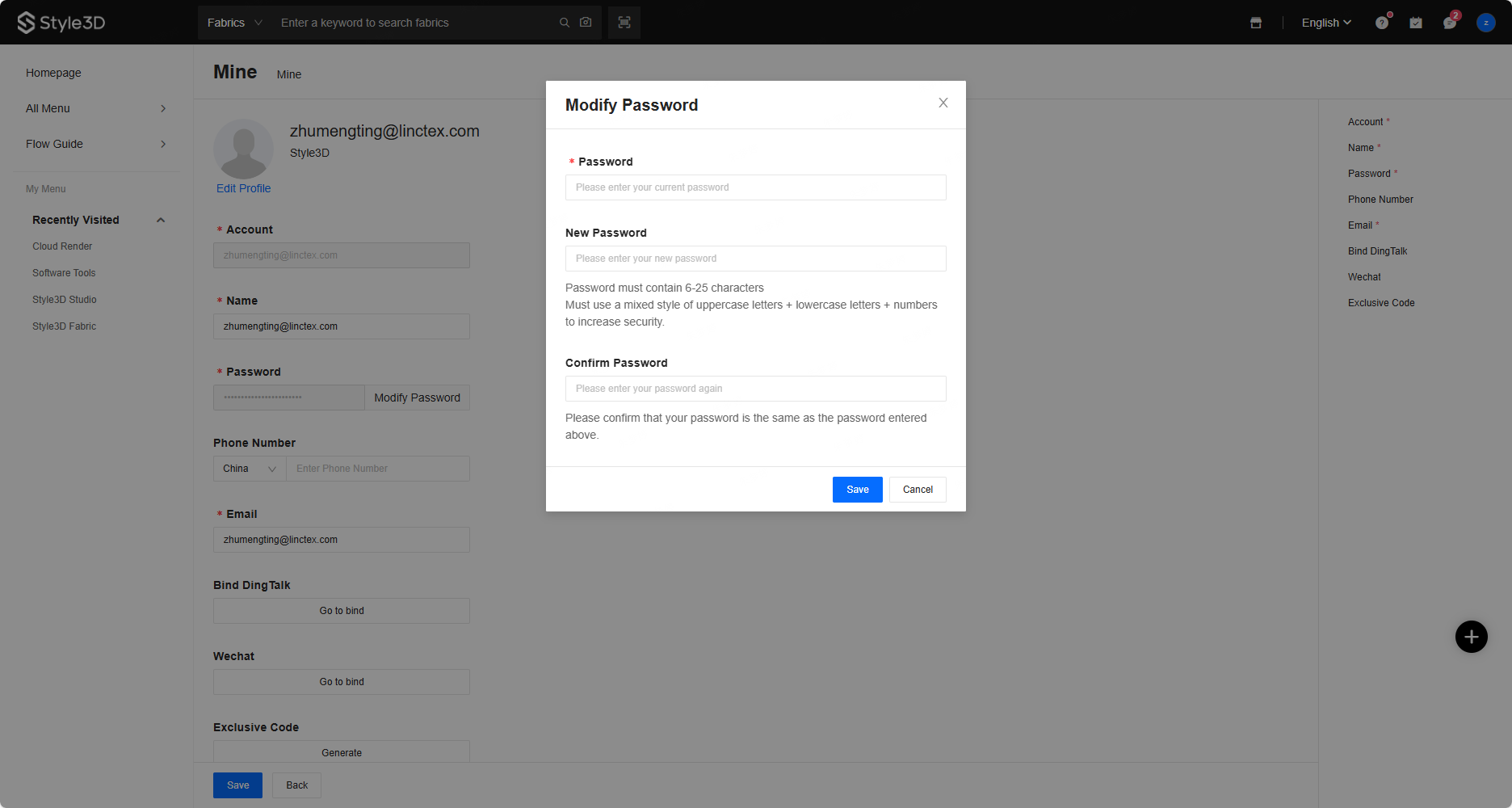
Answer: If you remember your original password, log in to the Cloud platform (Cloud platform homepage), click on the account settings in the upper right corner, go to the personal center, and change your password.
If you have forgotten your original password, you need to contact the account administrator to reset your password before setting a new one.